.png)
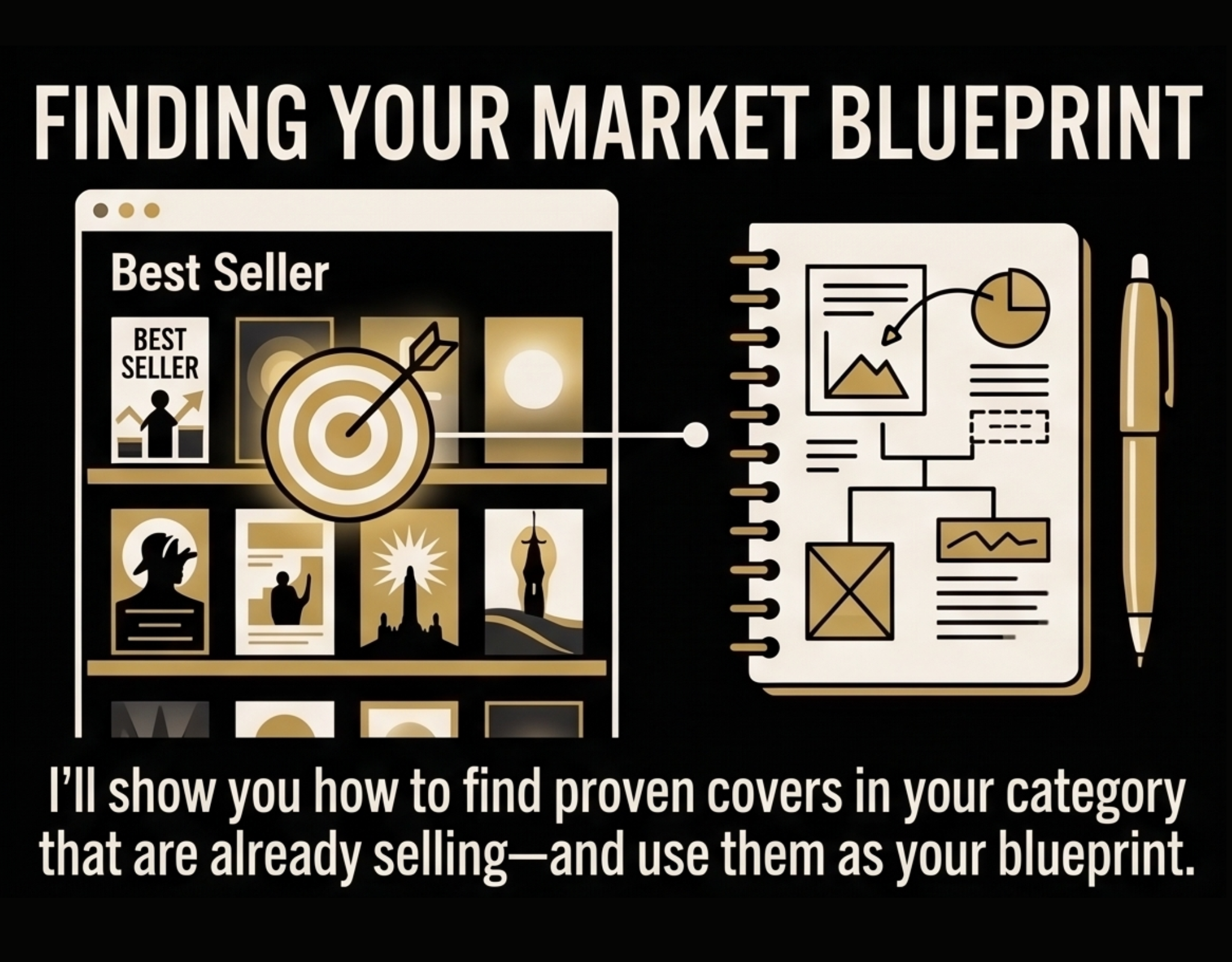
How to find a cover idea that will actually sell
Stop guessing what looks good. I'll show you how to find proven covers in your category that are already selling — and use them as your blueprint without copying them.
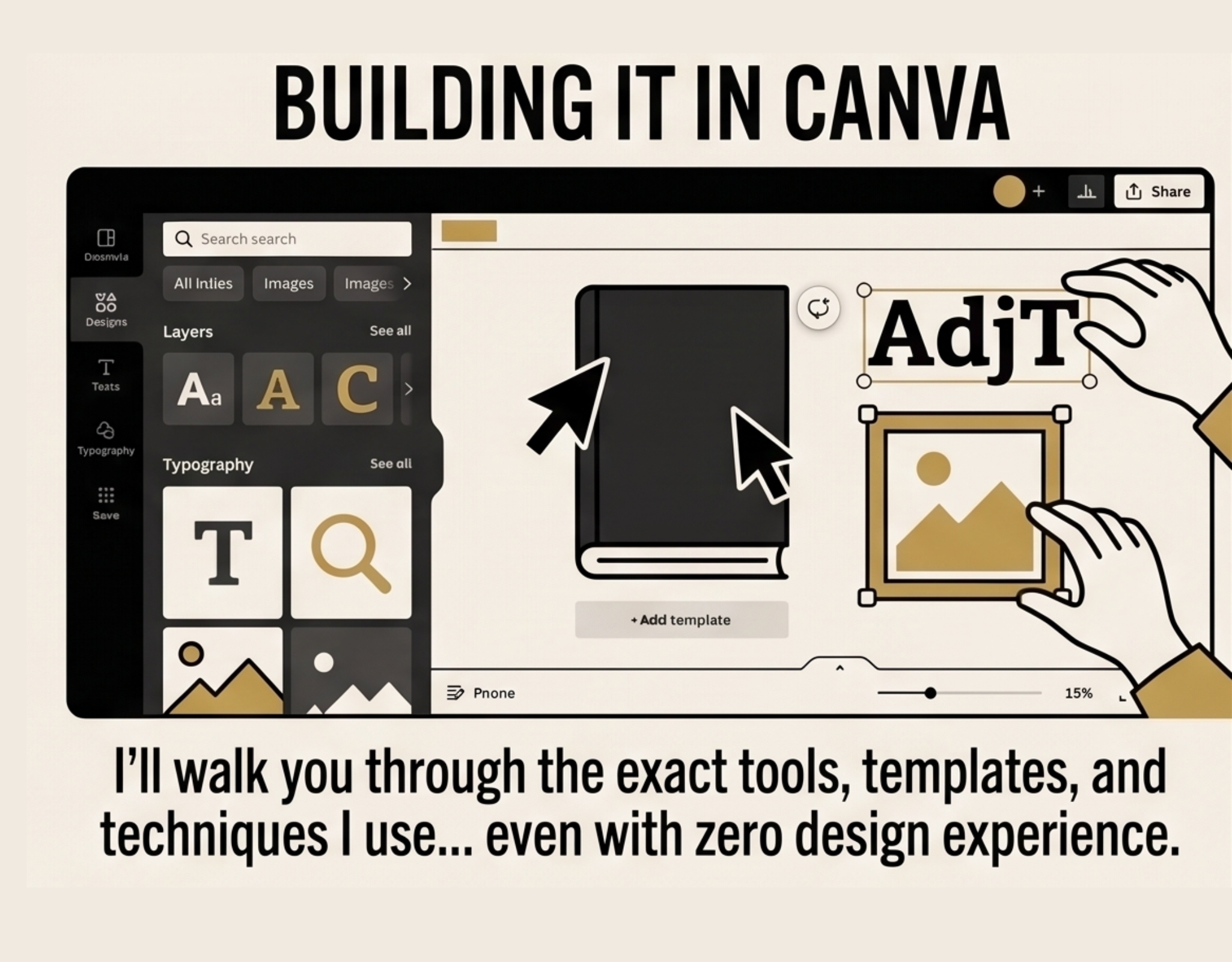
How to build it in Canva so you never have to hire a designer
No design experience required. I'll walk you through the exact tools, templates, and techniques I use every time I build a cover from scratch.
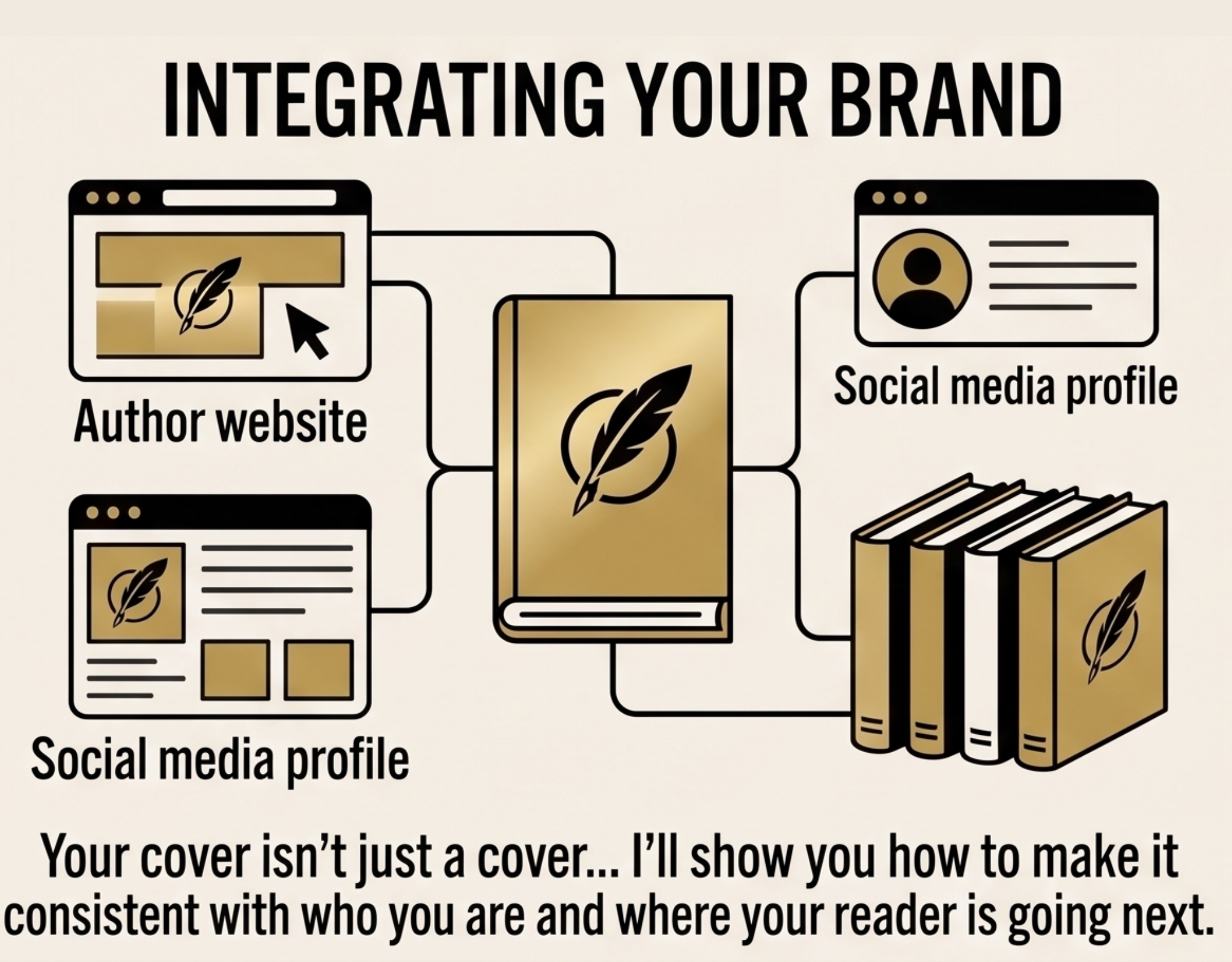
How to make sure it ties into your brand and ecosystem
Your cover isn't just a cover. It's the first impression of everything you sell. I'll show you how to make it consistent with who you are and where your reader is going next.
Is This For You?
You've written the book. Or you're about to. And the cover is the thing standing between you and hitting publish. Maybe you've looked at what designers charge and felt your stomach drop. Maybe you tried Canva and ended up with something that looked like a church bulletin from 2007. Maybe you've been putting it off because you just don't know where to start. Here's what I know after designing thirty of my own covers: A bad cover doesn't just look unprofessional. It costs you sales before anyone reads a single word. The reader decides in under three seconds. Wrong cover and they're gone. The good news — you don't need a designer to get this right. You need a process. WHAT YOU'LL LEARN 1. How to find a cover idea that will actually sell Stop guessing what looks good. I'll show you how to find proven covers in your category that are already selling — and use them as your blueprint without copying them. 2. How to build it in Canva so you never have to hire a designer No design experience required. I'll walk you through the exact tools, templates, and techniques I use every time I build a cover from scratch. 3. How to make sure it ties into your brand and ecosystem Your cover isn't just a cover. It's the first impression of everything you sell. I'll show you how to make it consistent with who you are and where your reader is going next. 4. How to turn it into a physical and digital cover Amazon accepts The right dimensions. The right file format. The right specs. No guessing, no rejection, no last-minute scrambling before launch. WHAT'S INCLUDED The Live Workshop Recording Three hours. Full walkthrough. Every step documented so you can follow along at your own pace and pause whenever you need to. The QUICK Cover Templates The exact Canva templates I use as starting points for every cover I build. Not blank canvases — proven starting points modeled after bestselling designs. The QUICK Cover Tools The tools I've built to speed up the process — so you're not reinventing the wheel every time you sit down to build a cover. The Full QUICK Book Cover Course The workshop is the foundation. The course is everything built around it — additional lessons, deeper breakdowns, and updated content as I add to it. You get access to everything as it's built. WHO THIS IS FOR This workshop is for you if: You're about to publish a book and need a cover that doesn't embarrass you on Amazon. You've published before but your cover has always felt like the weak link. You want to stop paying designers for something you could learn to do yourself. You want a system you can use for every book you publish from here forward — not just this one. WHO THIS IS NOT FOR This is not for you if: You're looking for a fully done-for-you service. You have no intention of ever designing your own book. FREQUENTLY ASKED QUESTIONS Do I need design experience? No. The whole point of this workshop is to show you that you don't need any. If you can use Canva at a basic level you have everything you need. What software do I need? Canva. Free version works. Canva Pro gives you more options but is not required. When does the live workshop happen? Tuesday April 28th from 6–9pm Eastern. What if I can't attend live? If you purchase you get permanent replay access. Will the course keep getting updated? Yes. As I add lessons and materials the course grows. What if I already have a cover... is this still useful? Yes. You'll know by the end of the first section whether your current cover is working or costing you sales. And if it's costing you, you'll know exactly how to fix it.

About Your Instructor: Coach Chris Stanley
Chris Stanley has published 30+ books with over 100,000 copies sold and 21 Amazon Bestsellers building a business of $750k/yr in a "boring" insurance adjusting niche. He has designed most of his own covers. He lives on a converted school bus and sailboat with his family and runs IA Path (insurance adjusting business) and Category Publishers a publishing consultancy that helps business owners claim their category, write the book on it, and build a business around it. He recently paid $3,500 for a professional cover on a client project and wants to make sure you never have to.
Curriculum
-
1
-
(Included in full purchase)
REGISTER TO ATTEND April 28th 6pm (EST) - 9pm (EST)
-
(Included in full purchase)
-
2
-
(Included in full purchase)
QUICK Cover Finder Tool
-
(Included in full purchase)
What people are saying
Testimonials build trust — fast. Edit this section to show how your product is making a difference and help your audience purchase with confidence.
Text-only testimonials are quick to scan and can highlight the value of your product at a glance.
Las Vegas, NV

The combination of text and imagery make the testimonial feel more personal and credible.
Working mom
Finally, a handbook that makes photography feel simple! It covers everything from camera settings to post-processing in a way that actually makes sense.
Amateur photographer
Text-only testimonials are quick to scan and can highlight the value of your product at a glance.
Las Vegas, NV
The combination of text and imagery make the testimonial feel more personal and credible.
Working mom
Finally, a handbook that makes photography feel simple! It covers everything from camera settings to post-processing in a way that actually makes sense.
Amateur photographer
Add a clear and direct call-to-action
Seal the deal with a bit more content that supports the main call to action.
$197.00